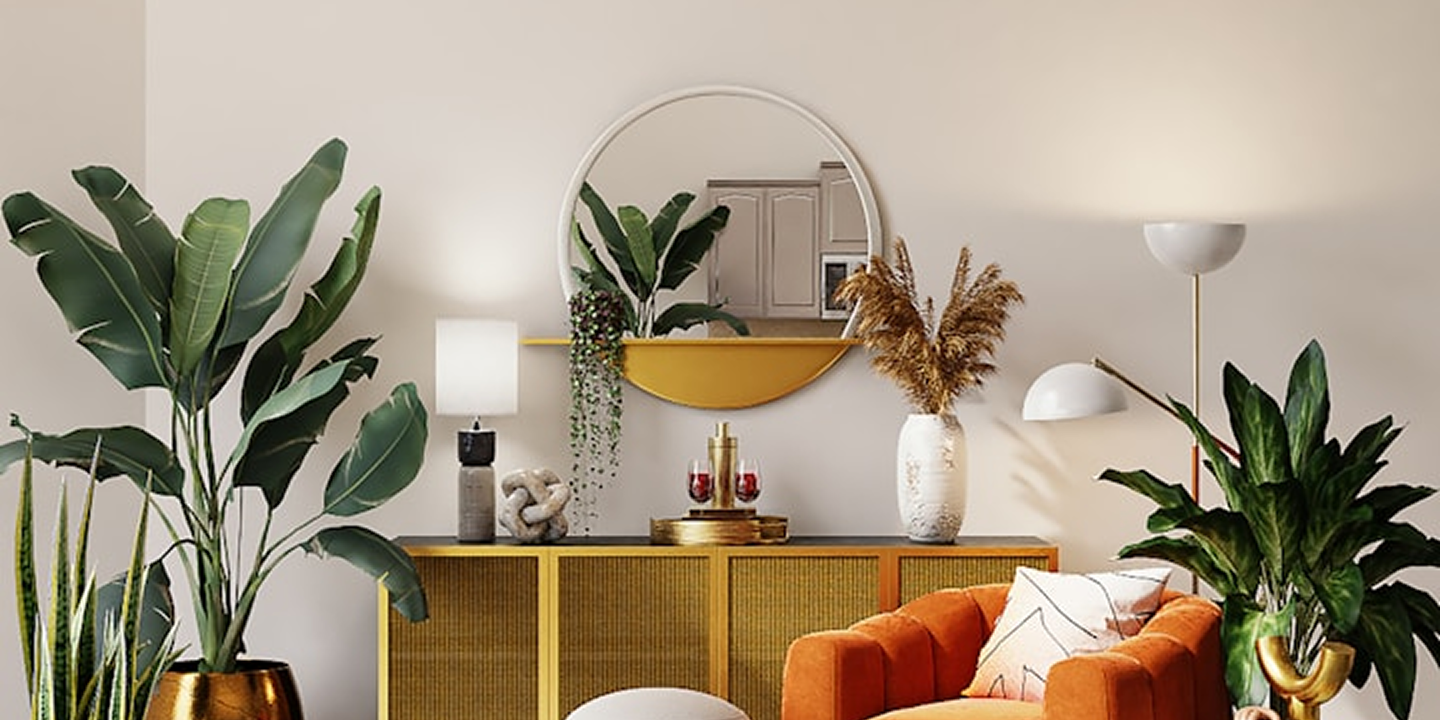
Transform Your Property into
Professionally Staged
Virtual Space
Provide your clients with an immersive dual-view virtual experience, showcasing both the original and staged versions of the property.

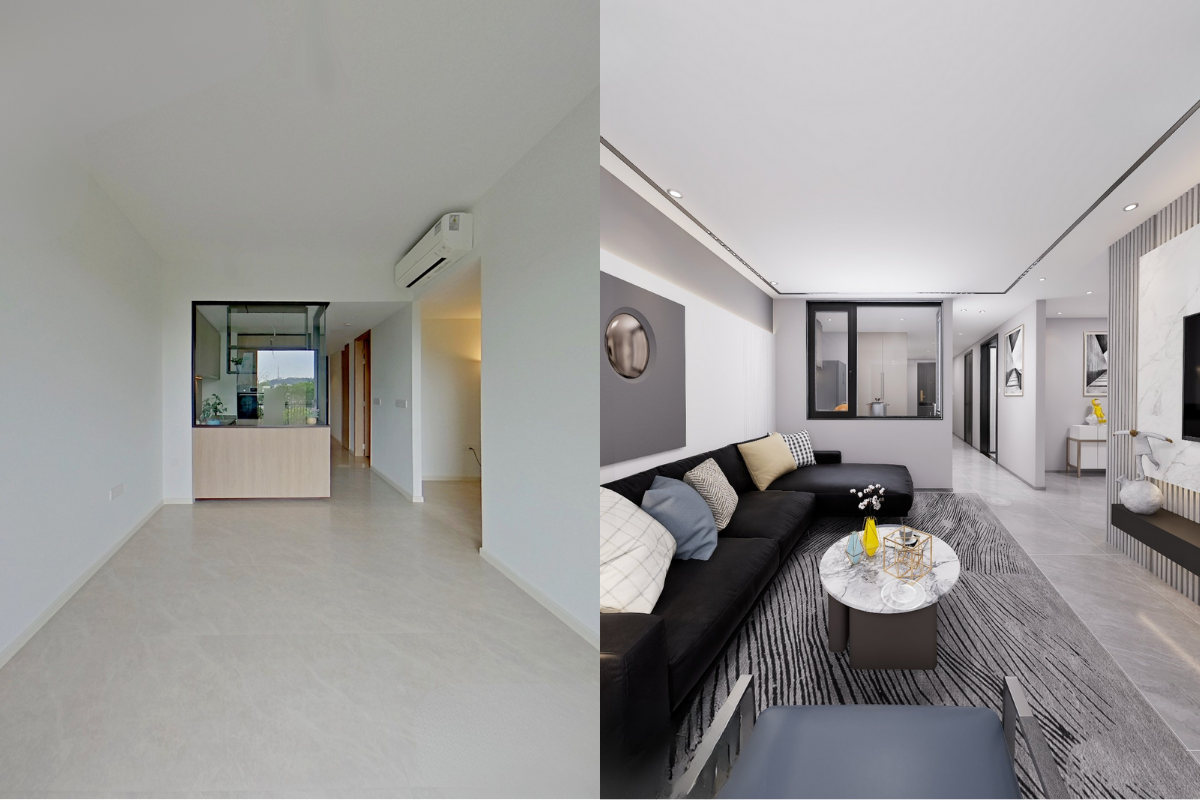
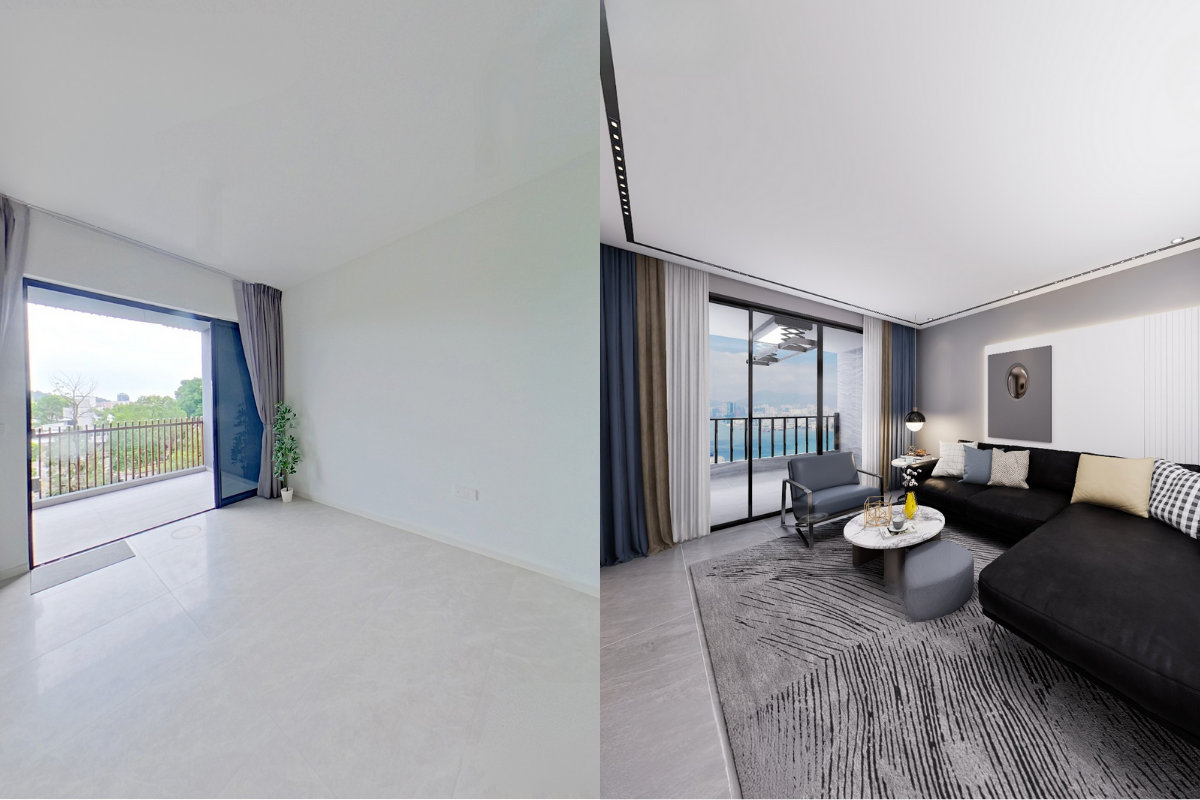
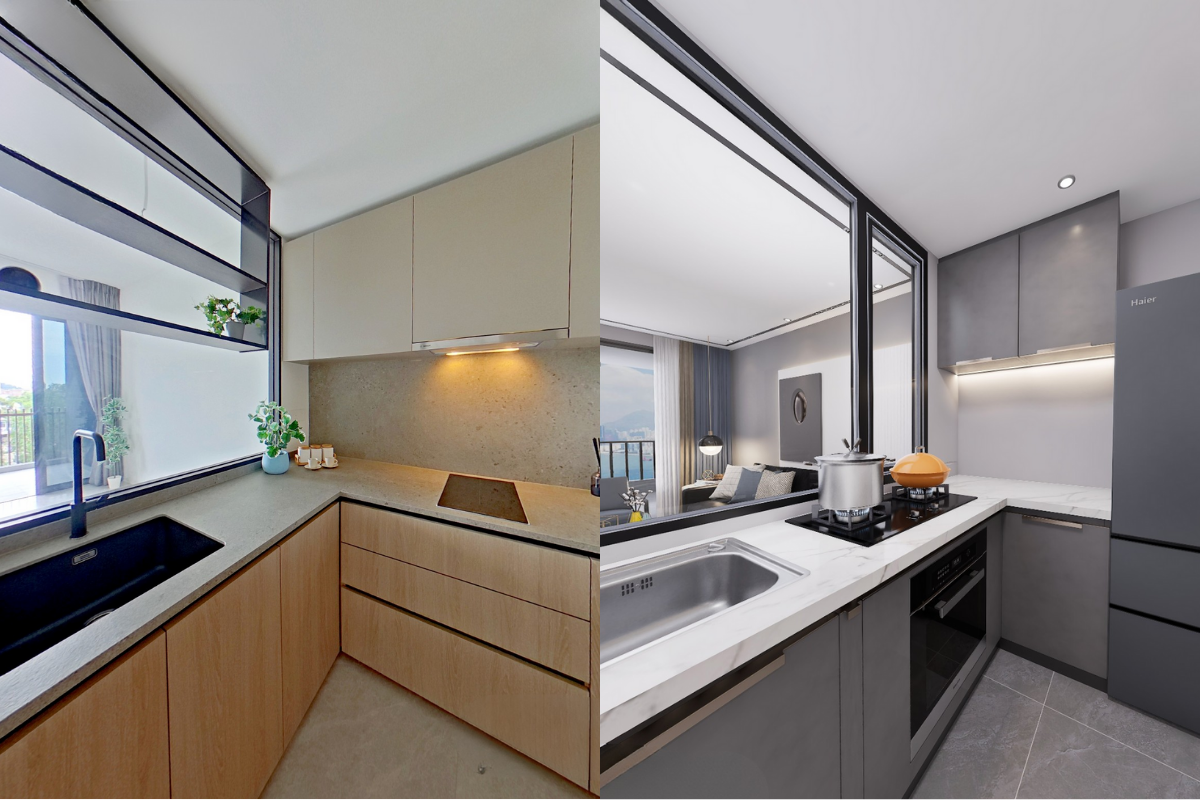
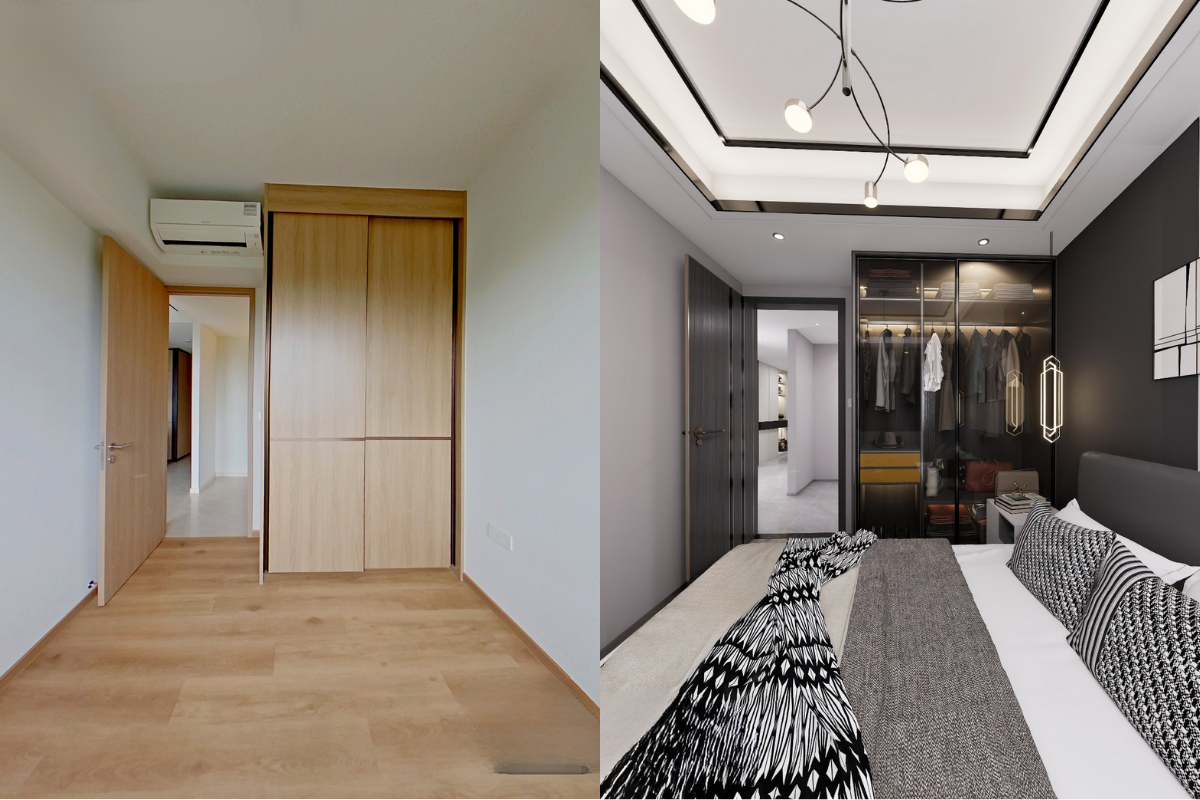
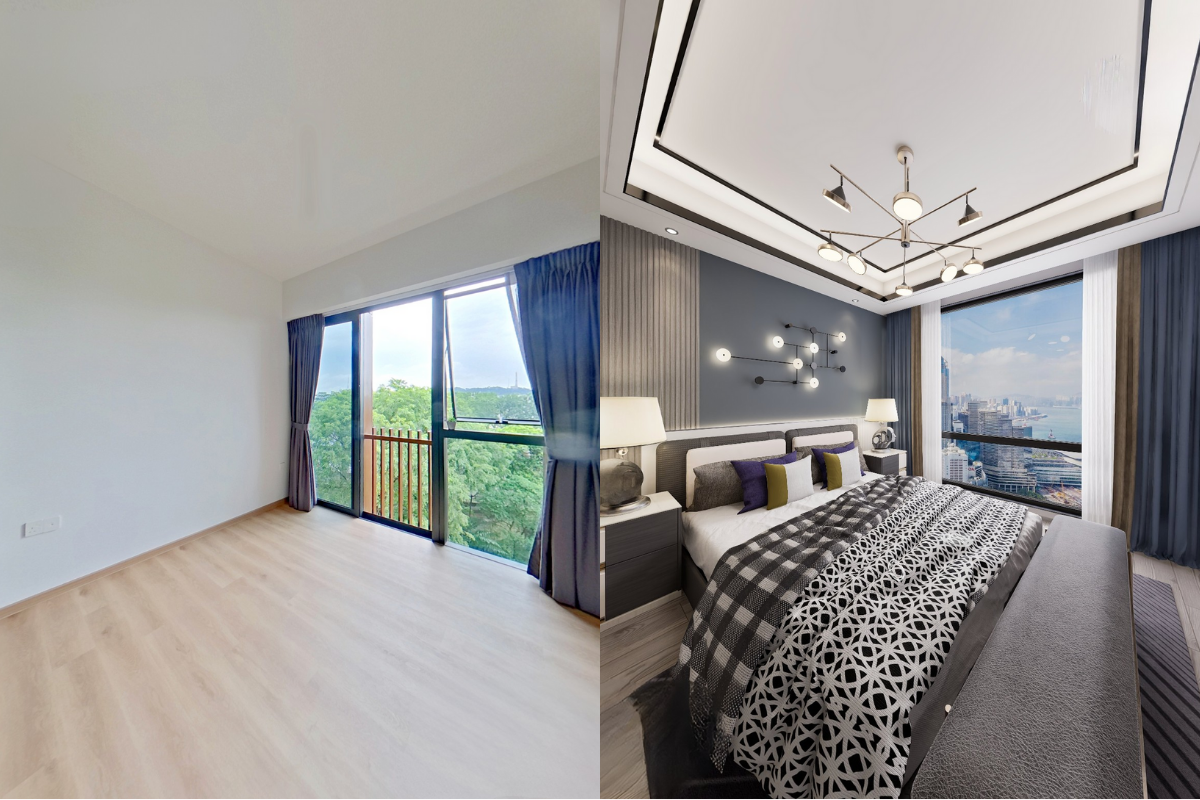
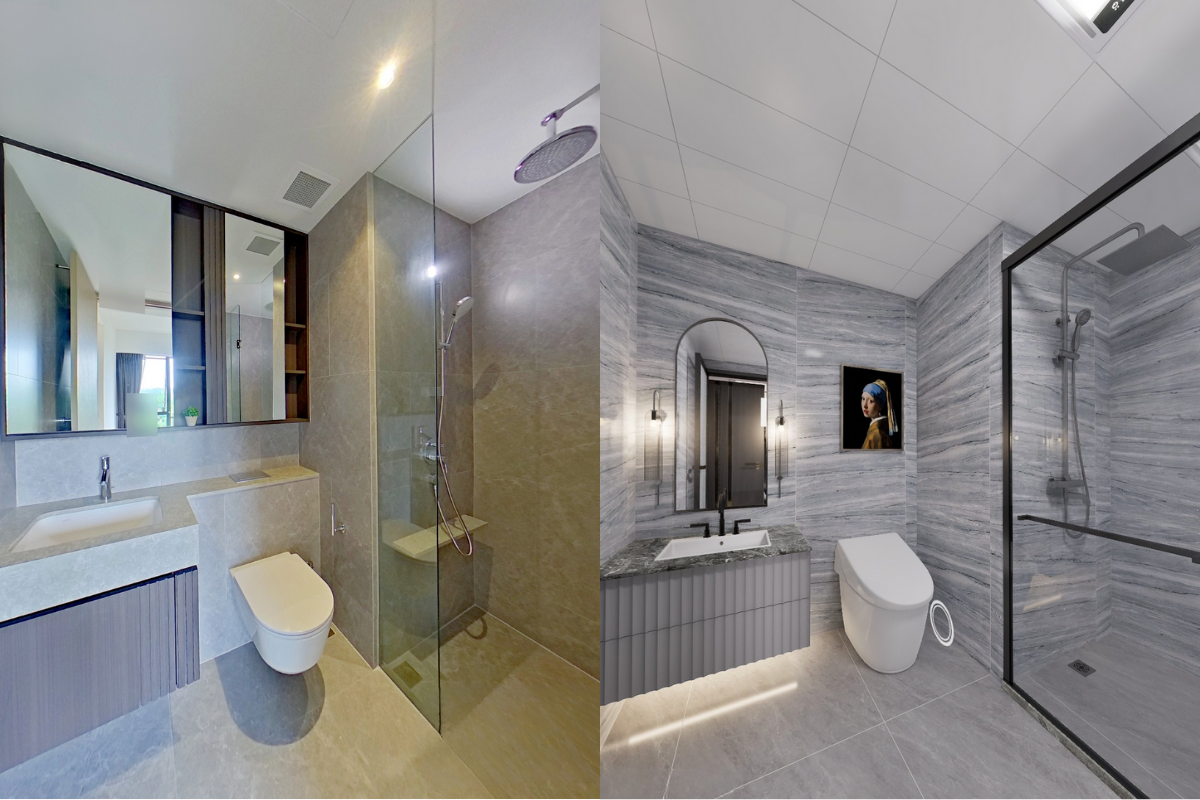
Available Themes
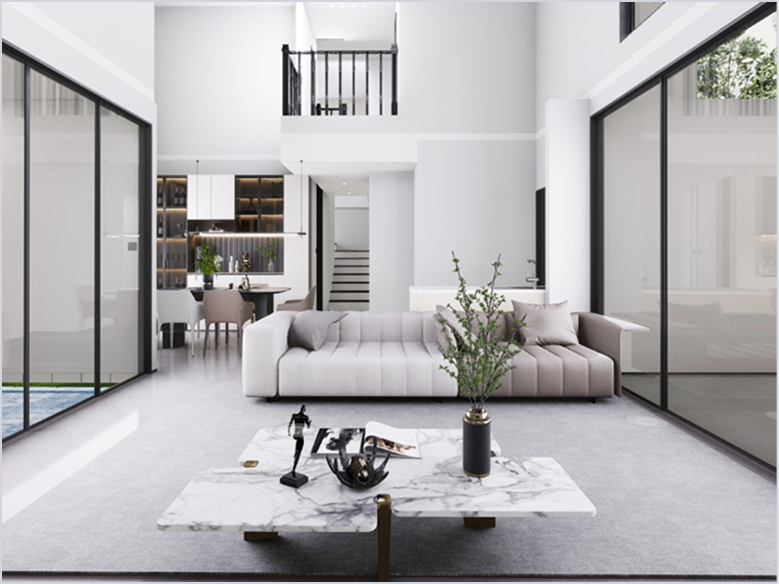
HDB/Condo
Landed
Minimalist
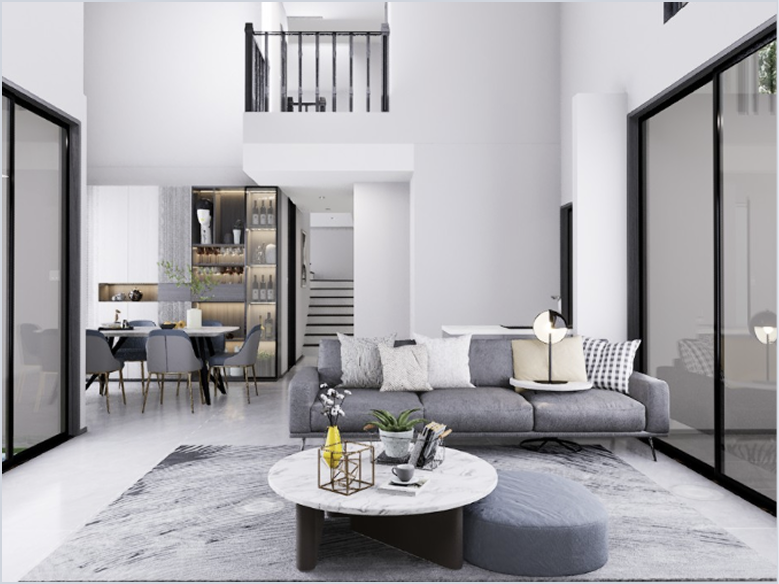
HDB/Condo
Lively Modern
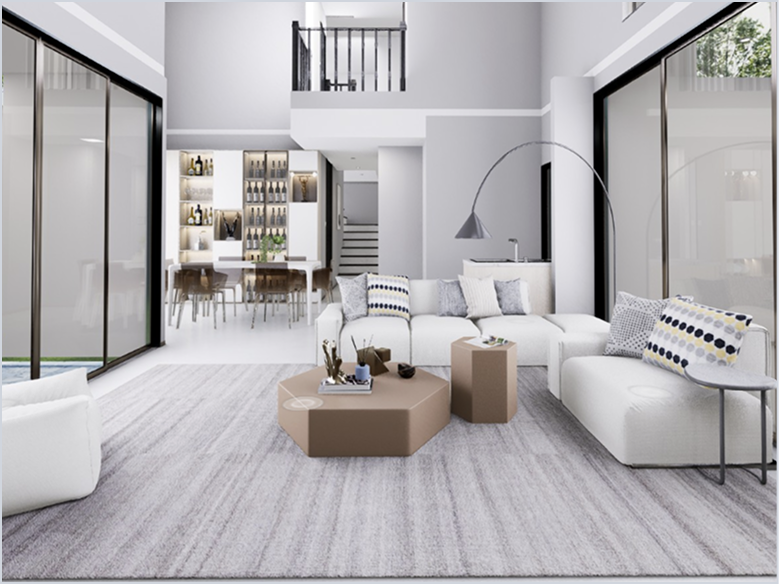
HDB/Condo
Black and White
Why Choose
 AI Virtual Staging?

Unique Dual-view
Easily compare between original and staged space with the split-screen view

Multiple Design Themes
Up to 3 themes for HDB/Condo and 1 theme for Landed properties at no additional cost

Free AI Virtual Staging Images
Receive free photos of the AI Virtual Staging for your marketing needs

Professional & Affordable
Get high quality & professionally edited AI Staging at an affordable price
How does it work?
1
2
3
4

Add "AI Virtual Staging" add-on when you book a Virtual Tour appointment

Our crew will come down and scan the property

Receive an email when your AI Virtual Staging is ready

View the AI Virtual Staging on the same link as the Virtual Tour
Frequently Asked Questions
Unfortunately no. All add-on services require a Virtual Tour. AI Virtual Staging is only available for Virtual Tour by Real360 option.
By default, there will be 3 themes for HDB/Condo or single-level property: Lively Modern, Modern Black and White, and Minimalist.
The default theme for Landed or multi-level property is Minimalist.
If you wish to change this to another theme, do indicate in the note when booking an appointment with us or contact our customer support before the appointment date. Any request to change the theme after appointment date will not be attended to.
The default theme for Landed or multi-level property is Minimalist.
If you wish to change this to another theme, do indicate in the note when booking an appointment with us or contact our customer support before the appointment date. Any request to change the theme after appointment date will not be attended to.
Customisation/manual refinements are not allowed, refer to our T&Cs above for more information.
Yes, you will be notified via email when it is ready to view. Delivery is up to 5 working days from the appointment date depending on property size.
The AI Virtual Staging mode will be available on the same URL as your Virtual Tour. Simply open the link, click on the bubble "House furnishing" (for PC) or "Design" button (for mobile) on the bottom right corner of your screen to open the AI Virtual Staging mode.
Can't find your question? Browse our FAQs here